
APPLICATION-LED CASTOR SELECTION
Industrial Castor
Applications.
Explore castor options for trolleys, machinery and mobile equipment. Compare the operating requirements, then find a product family to review for your application.
- 01Find your equipment
- 02Review the conditions
- 03Compare a series
 APPLICATION ILLUSTRATION · AI GENERATED
Your operating conditions.
Illustrative equipment, not a customer installation or evidence of model suitability.
01 / FIND YOUR APPLICATION
Explore
applications.
Choose the equipment or environment closest to yours. Each section identifies the conditions to review and a product family to compare.
 APPLICATION ILLUSTRATION
01 / EQUIPMENT & OPERATING ENVIRONMENT
Material handling
& logistics.
Compare castors for factory trolleys, warehouse carts and mobile workstations. Start with the loaded weight, floor joints, travel distance and steering requirements.
TYPICAL EQUIPMENTPlatform trolleys / warehouse carts / mobile workstations
- Weight & layout
- Equipment plus maximum payload, castor quantity and arrangement.
- Floor & route
- Joints, obstacles, travel distance and turning space.
- Movement method
- Manual pushing, towing or powered movement, with speed and frequency.
 APPLICATION ILLUSTRATION
02 / EQUIPMENT & OPERATING ENVIRONMENT
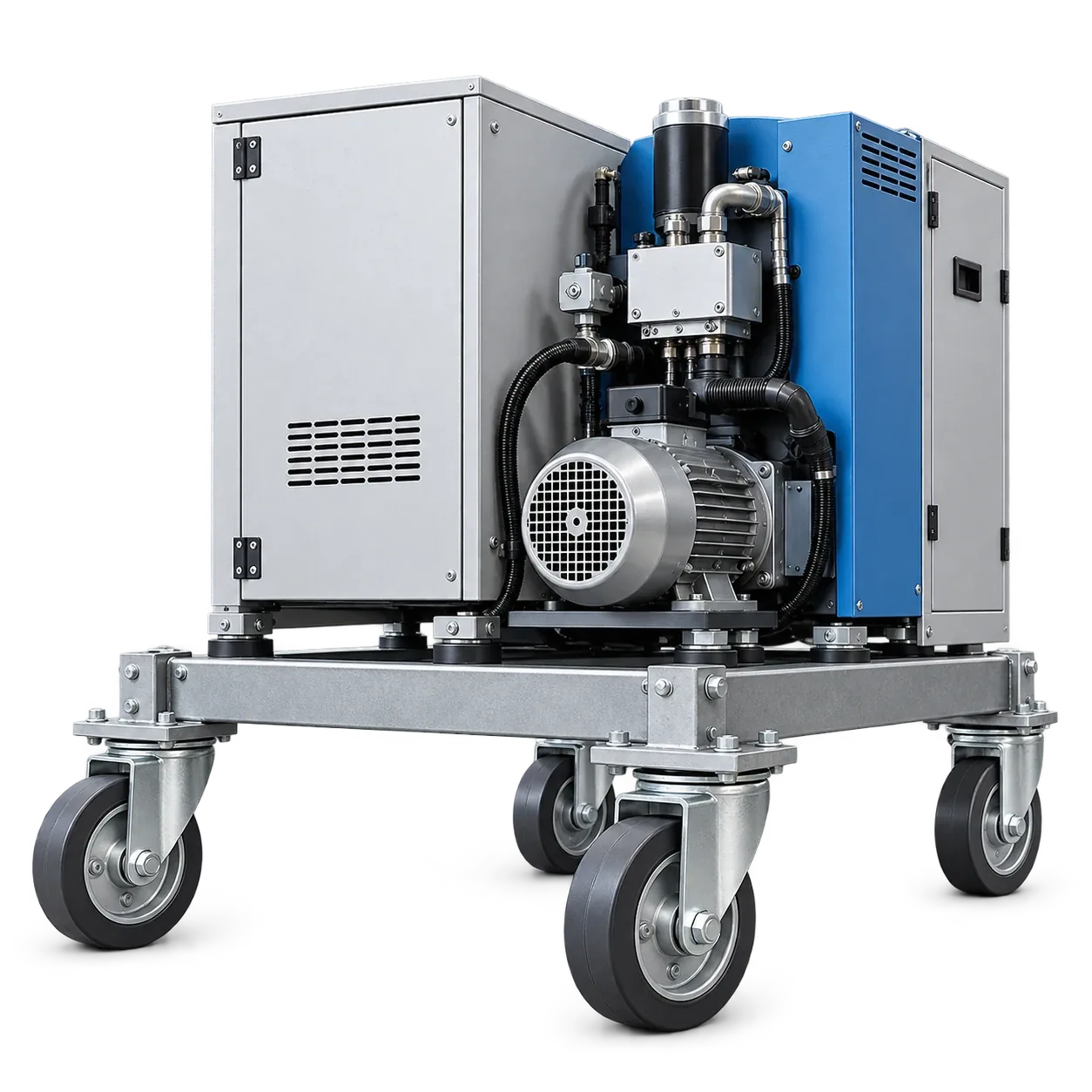
Machinery
& mobile equipment.
For mobile machinery bases and maintenance equipment, review mounting dimensions, overall height, load distribution and how the equipment is moved and parked.
TYPICAL EQUIPMENTMobile machinery bases / maintenance equipment / transport frames
- Load distribution
- Equipment weight, payload position and castor layout.
- Equipment interface
- Mounting structure, overall height and swivel clearance.
- Movement & parking
- How the equipment travels, turns and is held when stationary.
 APPLICATION ILLUSTRATION
03 / EQUIPMENT & OPERATING ENVIRONMENT
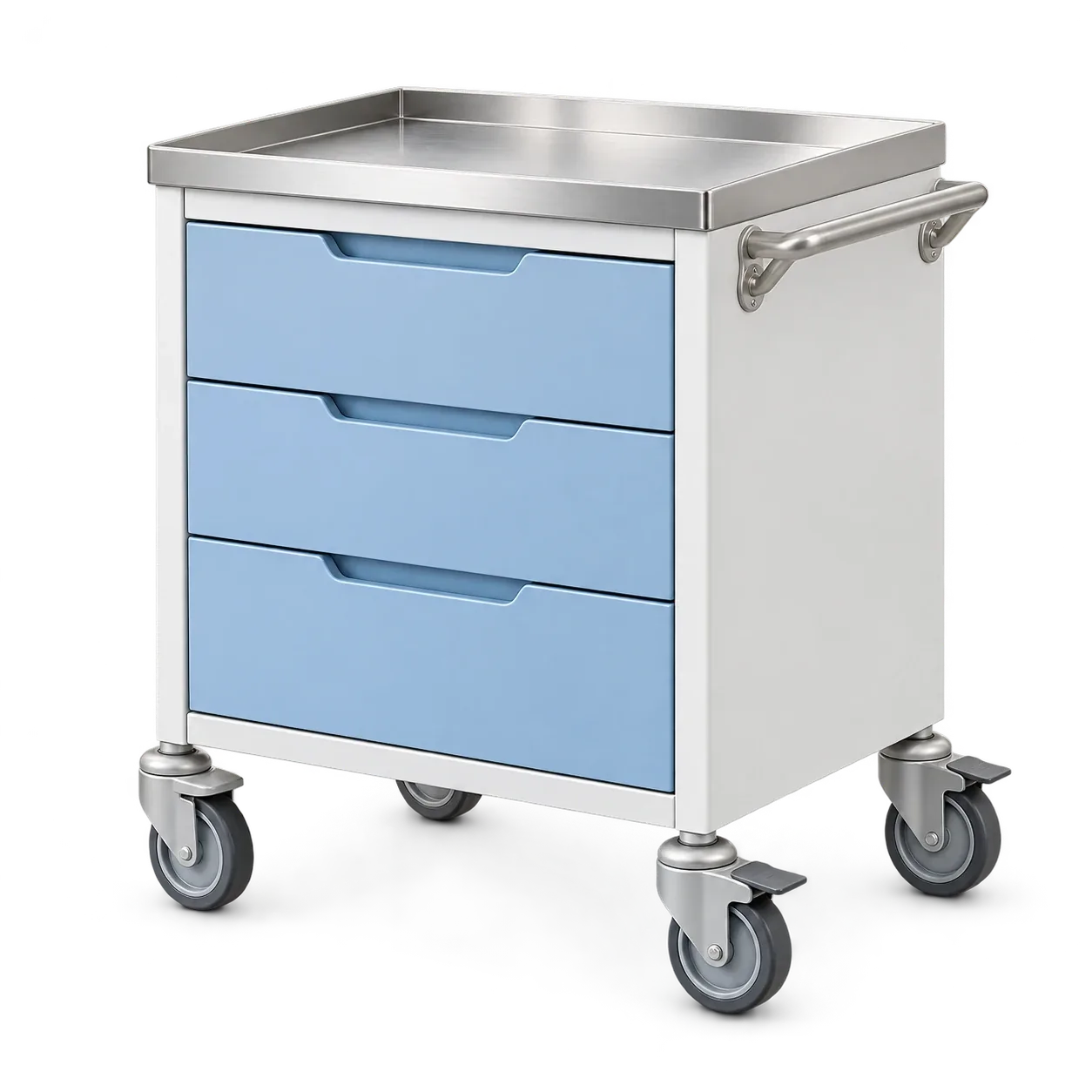
Institutional
& service carts.
For indoor service carts, consider wheel noise, floor marking, turning space and mounting dimensions. Confirm the required brake or directional-control function.
TYPICAL EQUIPMENTIndoor service carts / tool trolleys / light mobile cabinets
- Floor & noise
- Floor finish, marking concerns and the noise requirement to review.
- Space & mounting
- Turning space, fixing dimensions and installed height.
- Control functions
- Required swivel, directional-control and brake configuration.
 APPLICATION ILLUSTRATION
04 / EQUIPMENT & OPERATING ENVIRONMENT
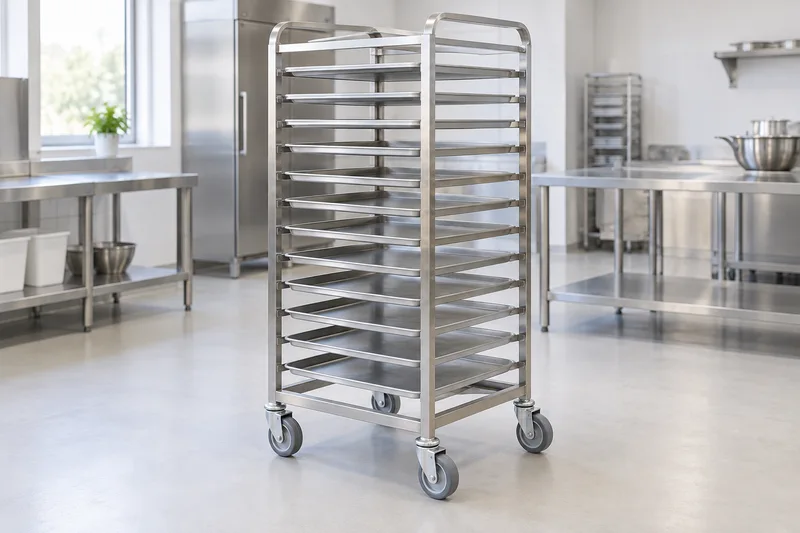
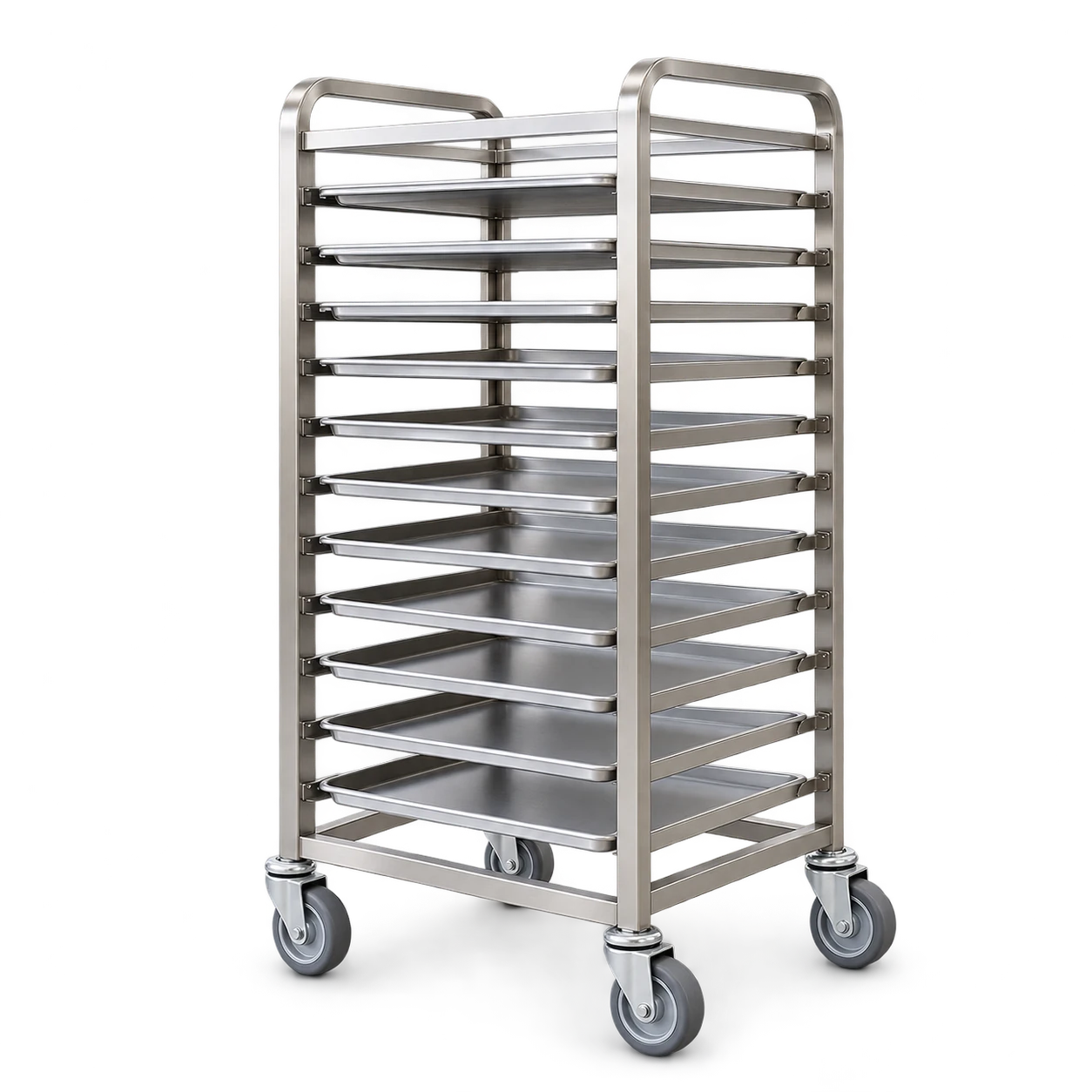
Wet & washdown
environments.
For equipment exposed to water or cleaning, review the bracket, wheel and bearing together. State the cleaning chemicals, temperature and frequency.
TYPICAL EQUIPMENTWashdown trolleys / material racks / production support equipment
- Cleaning exposure
- Chemicals, concentration if known, temperature and contact time.
- Water & frequency
- Moisture, washdown frequency and drying conditions.
- Complete assembly
- Review the wheel, bracket, bearing and applicable controls together.
 APPLICATION ILLUSTRATION
05 / EQUIPMENT & OPERATING ENVIRONMENT
High-temperature
handling.
For oven racks and heated-process trolleys, provide the operating temperature, exposure time, cooling cycle and loaded weight. Check the specification of the complete castor.
TYPICAL EQUIPMENTOven racks / heated-process trolleys / thermal-cycle handling
- Temperature & time
- Operating and peak temperatures, exposure duration and units.
- Cooling & movement
- Hot/cold cycles, cooling time and whether movement occurs while hot.
- Model limits
- Review the complete castor specification with the load and conditions.
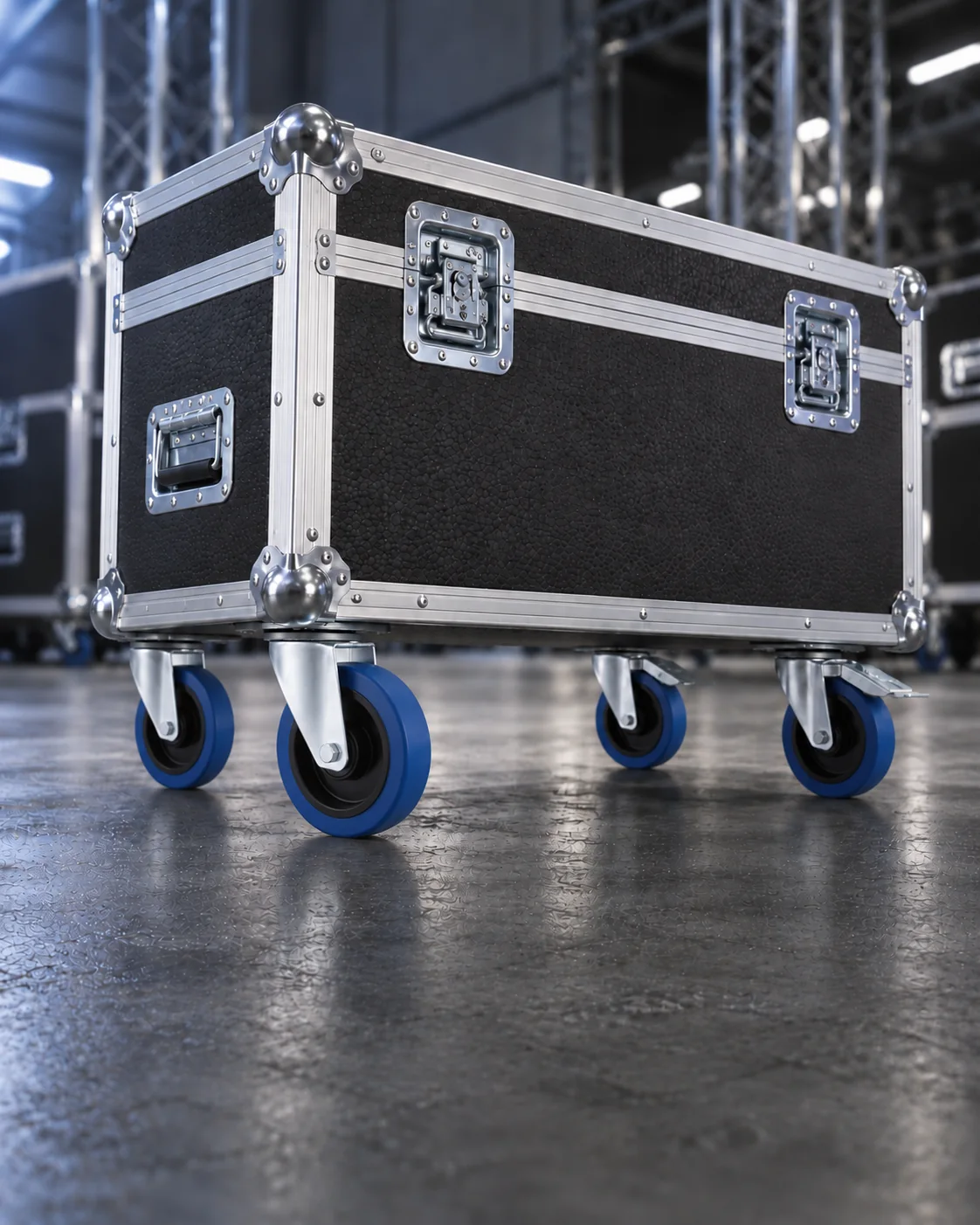 APPLICATION ILLUSTRATION
06 / EQUIPMENT & OPERATING ENVIRONMENT
Equipment cases
& mobile assemblies.
For equipment cases, display units and mobile assemblies, review overall height, fixing dimensions, floor conditions and movement and parking requirements.
TYPICAL EQUIPMENTEquipment cases / display units / mobile assemblies
- Height & fixing
- Height restrictions, mounting space and attachment dimensions.
- Route & movement
- Thresholds, floor surfaces and how often the assembly moves.
- Parking & controls
- Brake access, steering and stationary holding requirements.
Product families are starting points for comparison. Suitability depends on the selected model and operating conditions.
02 / COMPARE THE ACTUAL WORKING CONDITIONS
Key conditions
to check.
Equipment in the same industry can operate under very different conditions. Share these details when comparing castor models or requesting a recommendation.
| Selection factor | What to describe | Useful detail |
|---|---|---|
| 01Load & Castor Layout | Equipment weight, maximum payload, number of castors and their arrangement. | State the total loaded weight and unit, not just a single-castor rating. |
| 02Floor & Obstacles | Floor surface, joints, thresholds, slopes and loose material along the route. | Describe the actual route and any obstacles the equipment must cross. |
| 03Movement & Duty | Manual pushing, towing or powered movement, travel speed and operating frequency. | Include how the equipment moves and how often it is used. |
| 04Environment | Temperature, water, cleaning chemicals and other relevant contact materials. | Give exposure duration and cleaning conditions where known. |
| 05Mounting & Clearance | Fixing type, mounting dimensions, overall height and turning space. | A model drawing or marked equipment interface helps identify fixed dimensions. |
| 06Control Requirements | Swivel, directional-control, brake and stationary holding requirements. | Describe the required function and the operator’s access to the control. |
03 / WHEN THE INTERFACE NEEDS TO CHANGE
Need a different mounting
or configuration?
If a listed model does not match your equipment, share the required changes, critical dimensions and operating conditions for an OEM review.
Explore OEM & Custom Castors04 / GO FROM CONDITIONS TO SPECIFICATIONS
Resources for
your application.
Use the guide to frame your requirements, technical articles to explore a specific question, and catalogues to compare model references.
Castor Selection Guide
Understand load, wheel materials, bearings, mounting and controls.
Build Your Selection Brief 02 / TECHNICAL READINGPractical Selection Articles
Read about the conditions and model details relevant to the application.
Explore the Knowledge Centre 03 / PRODUCT REFERENCESCastor Catalogues
Find base series, fixing configurations, dimensions and model codes.
Download Castor CataloguesBEFORE YOU SELECT A MODEL
Application
questions.
Which castor should I choose for my application?
Start with the equipment, loaded weight, floor, movement method and environment. These details help identify product families and model specifications to compare.
Can I choose a castor based only on its load rating?
Load rating is one part of selection. Mounting dimensions, floor conditions, speed, temperature and the complete castor configuration also need review.
Can the same castor be used on different equipment?
Review each application separately. Similar equipment may have different loads, mounting arrangements and operating conditions.
What if I cannot find a matching standard model?
Send a model reference, drawing or photos and describe the required changes. We can review the starting point through an OEM enquiry.
YOUR EQUIPMENT / YOUR OPERATING CONDITIONS
Start with the application.
Name, email and application requirements are enough to begin. Add details where available.